
Sign In

Getting Started: Listing Your First Space


Ready to earn income from your vacant space? Listing your property on OccupiiSpace is simple, fast, and flexible. Whether it’s a retail shop, office, photo studio, or industrial space, follow these easy steps to get started.

Step 1: Create Your Free Account

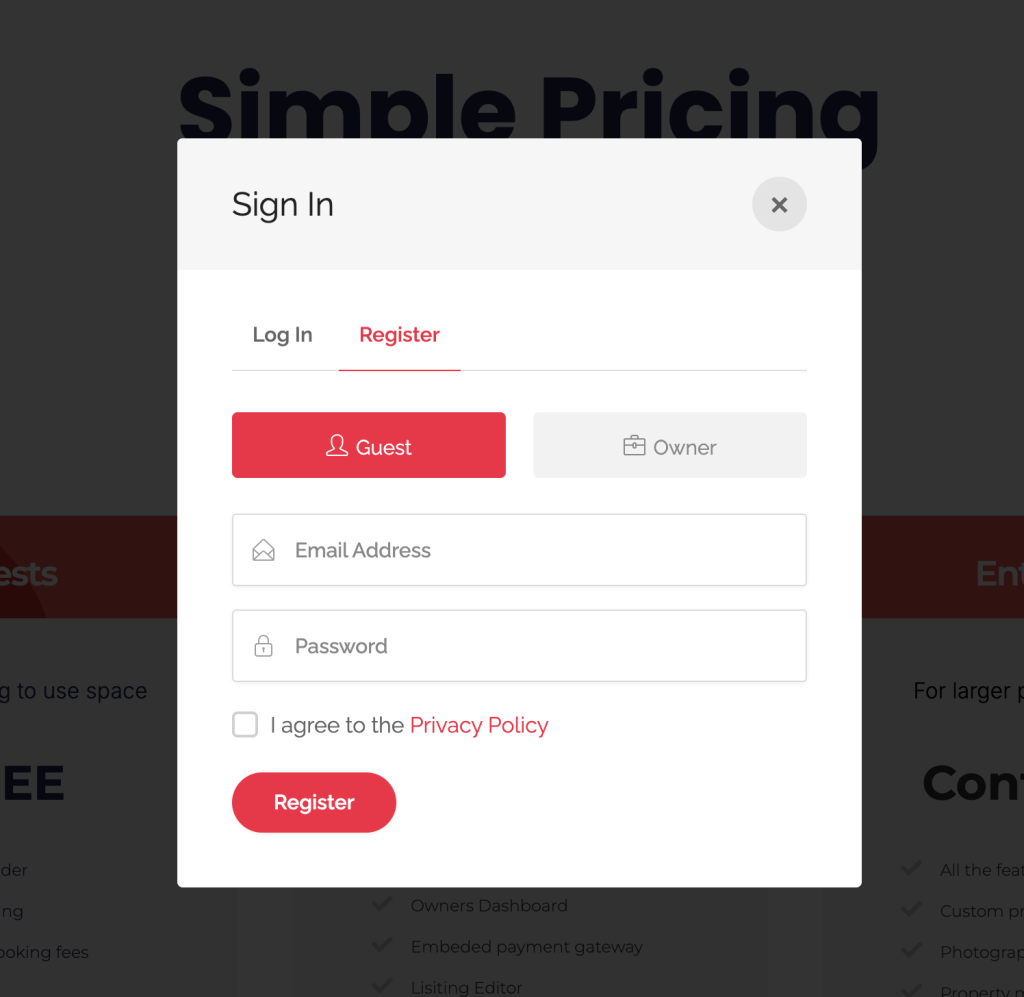
  1. Click on Sign Up at the top of the page.
  2. Choose either using the selection tab “Owner or Guest”
  3. Complete your sign up form, including your username (email) and password. 

Verify your email address to activate your account

Occupii Guest Owner Sign Up - Login Login to Occupii to get started
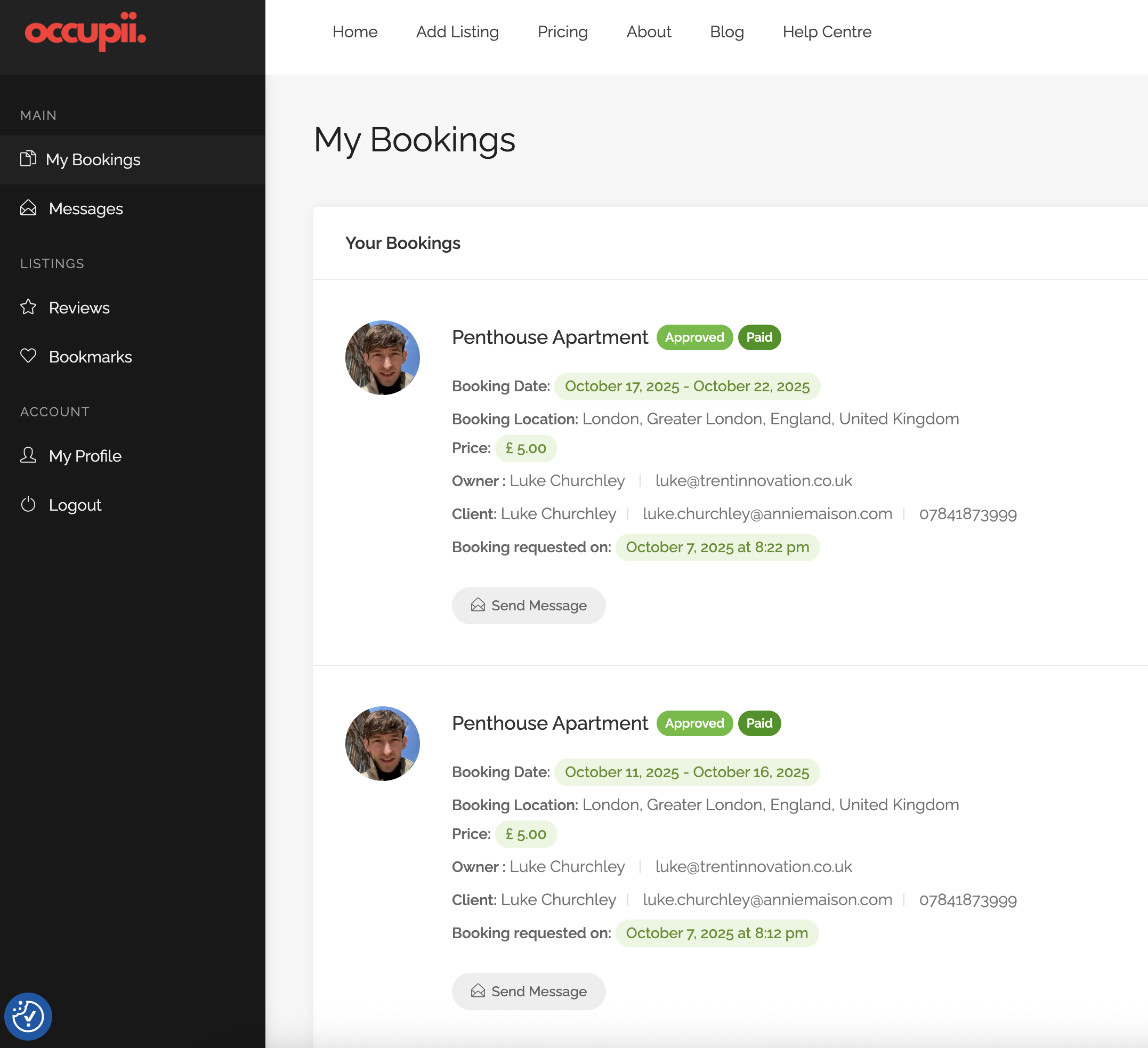
Occupii Dashboard - User interface

Step 2: List Your Space

Once logged in:

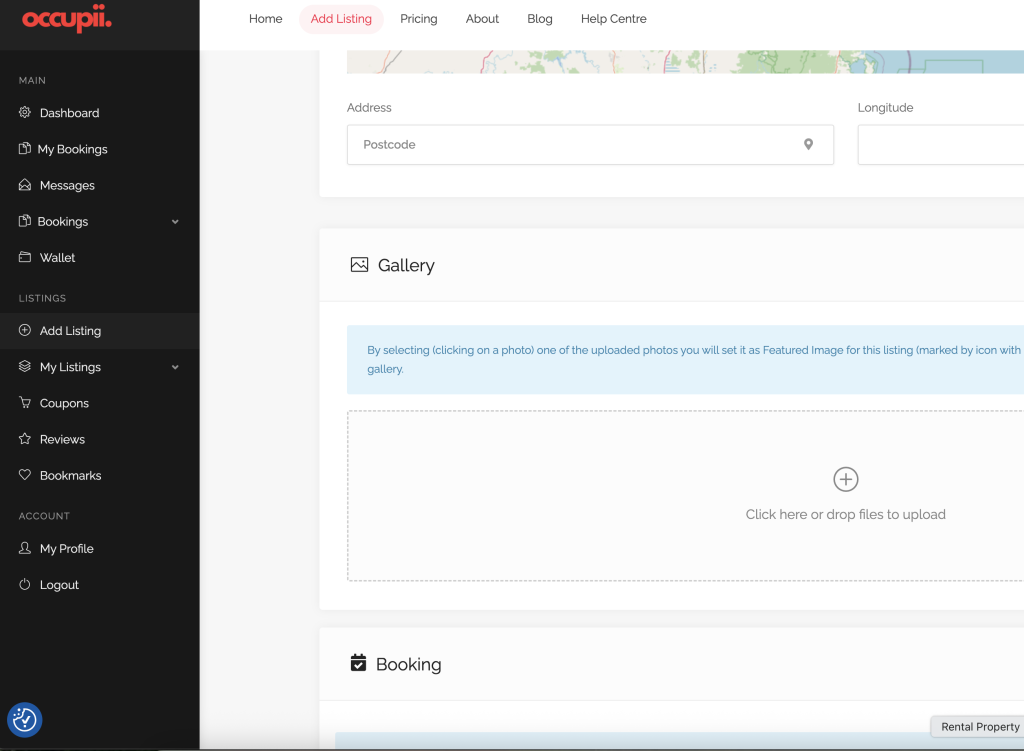
  1. You should be automatically re-directed to the dashboard, if not select dashboard from the profile icon. Click on “Add Listing ” in your dashboard.
  2. Fill in your space details:
    • Space Type: Retail, Office, Warehouse, Studio, Storage, or Other.
    • Location: Enter the address so renters can find your space easily.
    • Size: Approximate square meters.
    • Capacity: How many people it fits (if applicable).
  3. Write a clear, engaging description:
    • What makes your space unique?
    • What is it ideal for? (e.g., pop-up shops, photoshoots, meetings)
    • Any special terms renters should know.

Example:
“Bright open-plan retail space, perfect for pop-up fashion boutiques and art exhibitions. Includes Wi-Fi, security system, and storage area.”

Step 3: Upload Photos

  • Add high-quality images showing the space from multiple angles.
  • Include key features like entrances, seating areas, lighting, and amenities.
  • Recommended: 3–5 photos minimum.

Step 4: Set your Pricing and Availability

  • Choose your pricing by the hour, day, or week.
  • Set your available hours/days.


Block out dates when your space is unavailable

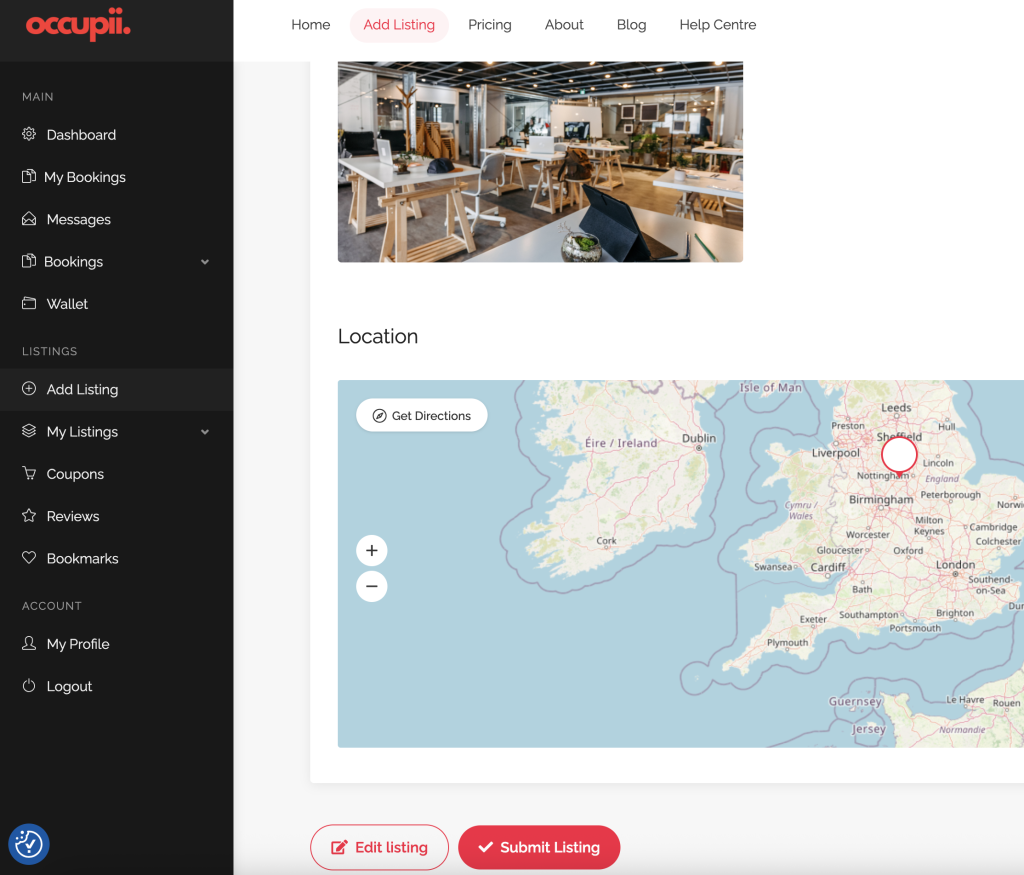
Occupii - Preview and Submit

Step 6: Preview, Publish & Submit Your Listing

Once your listing is complete:

  • Click “Publish”
  • Your space is now searchable on OccupiiSpace.
  • You’ll receive email notifications when someone submits a booking request.

💬 Need Help?

If you need assistance creating your first listing, contact our team at [support@occupiispace.com] or visit our Contact Us page.

Related Posts